Realization Reports
Compare billable and billed time per client, and see realization of hours, fees, and amounts per invoice and per timekeeper.
The Client label may be displayed as Client, Customer, or Respondent depending on your TimeSolv Configuration in Clients>Settings>General. This can change path and report terminology.
The Matter label may be displayed as Case, Engagement, Job, Matter, or Project depending on your TimeSolv Configuration in Clients>Settings>General. This can change path and report terminology.
The Professional label may be displayed as Associate, Consultant, Employee, Fee Earner, Professional, Resource, Staff Member, and Timekeeper depending on your TimeSolv Configuration in Account>Settings>General. This can change path and report terminology.
Category and Sub Category may display differently depending on the labels specified under Clients>Settings>Categories.
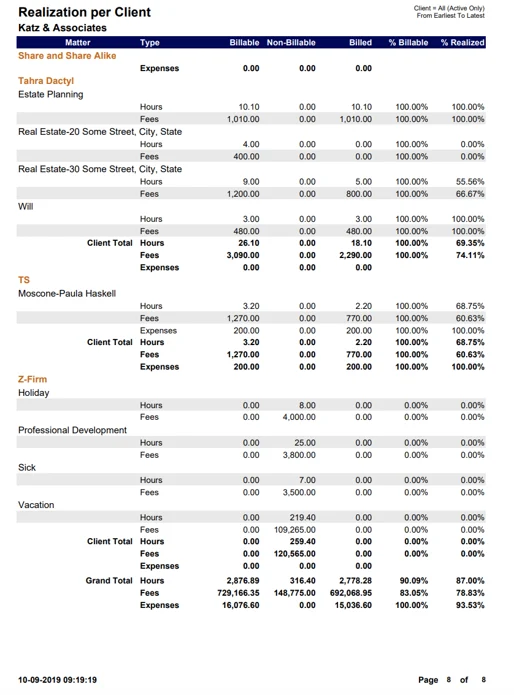
Realization per Client Report
Realization of billable versus billed time grouped by client and matter
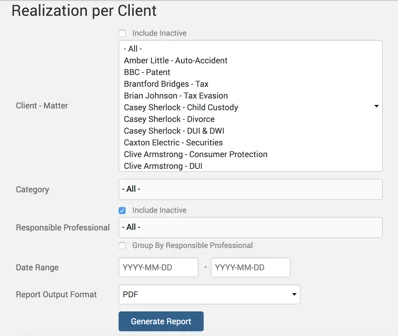
Example Realization per Client report with default parameters selected:
Realization per Invoice Report
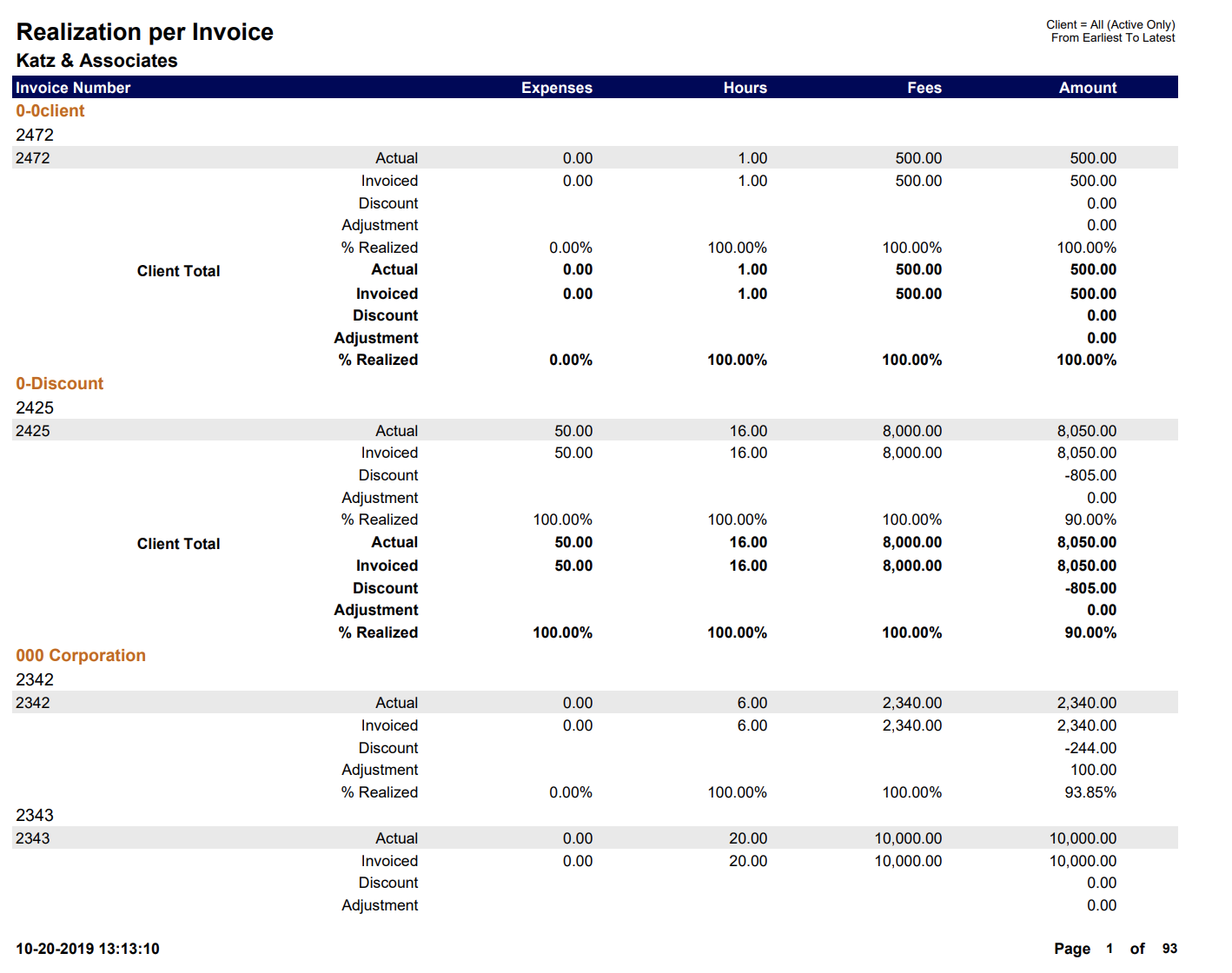
Realization of hours, fees, and amount per invoice grouped by client.
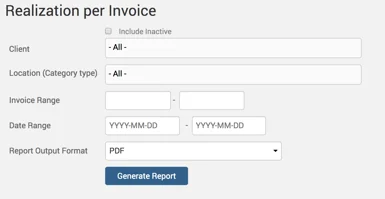
Example of Realization per Invoice report with default parameters selected:
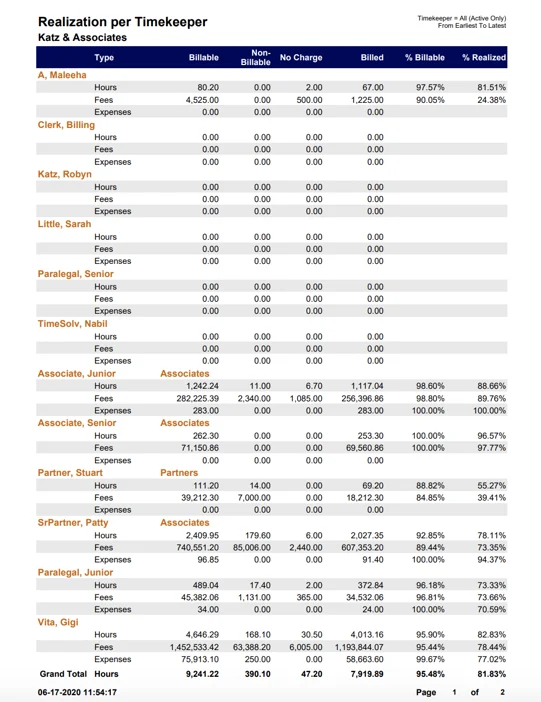
Realization per Timekeeper
Realization of billable versus billed time grouped by client and matter
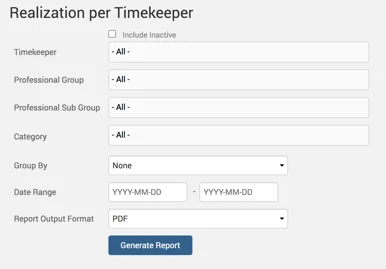
Example Realization per Client report with default parameters selected: