Managing the Firm Reports
Run reports on task and expense codes, professionals and rates, clients and matters, tax listing, abbreviations, related parties, and relationships.
The Client label may be displayed as Client, Customer, or Respondent depending on your TimeSolv Configuration in Clients>Settings>General. This can change path and report terminology.
The Matter label may be displayed as Case, Engagement, Job, Matter, or Project depending on your TimeSolv Configuration in Clients>Settings>General. This can change path and report terminology.
The Expense label may be displayed as Cost, Disbursement, or Expense depending on your TimeSolv Configuration in Expense>Settings>General. This can change path and report terminology.
The Professional label may be displayed as Associate, Consultant, Employee, Fee Earner, Professional, Resource, Staff Member, and Timekeeper depending on your TimeSolv Configuration in Account>Settings>General. This can change path and report terminology.
The Professional label may be displayed as Associate, Consultant, Employee, Fee Earner, Professional, Resource, Staff Member, and Timekeeper depending on your TimeSolv Configuration in Account>Settings>General. This can change path and report terminology.
Task Codes
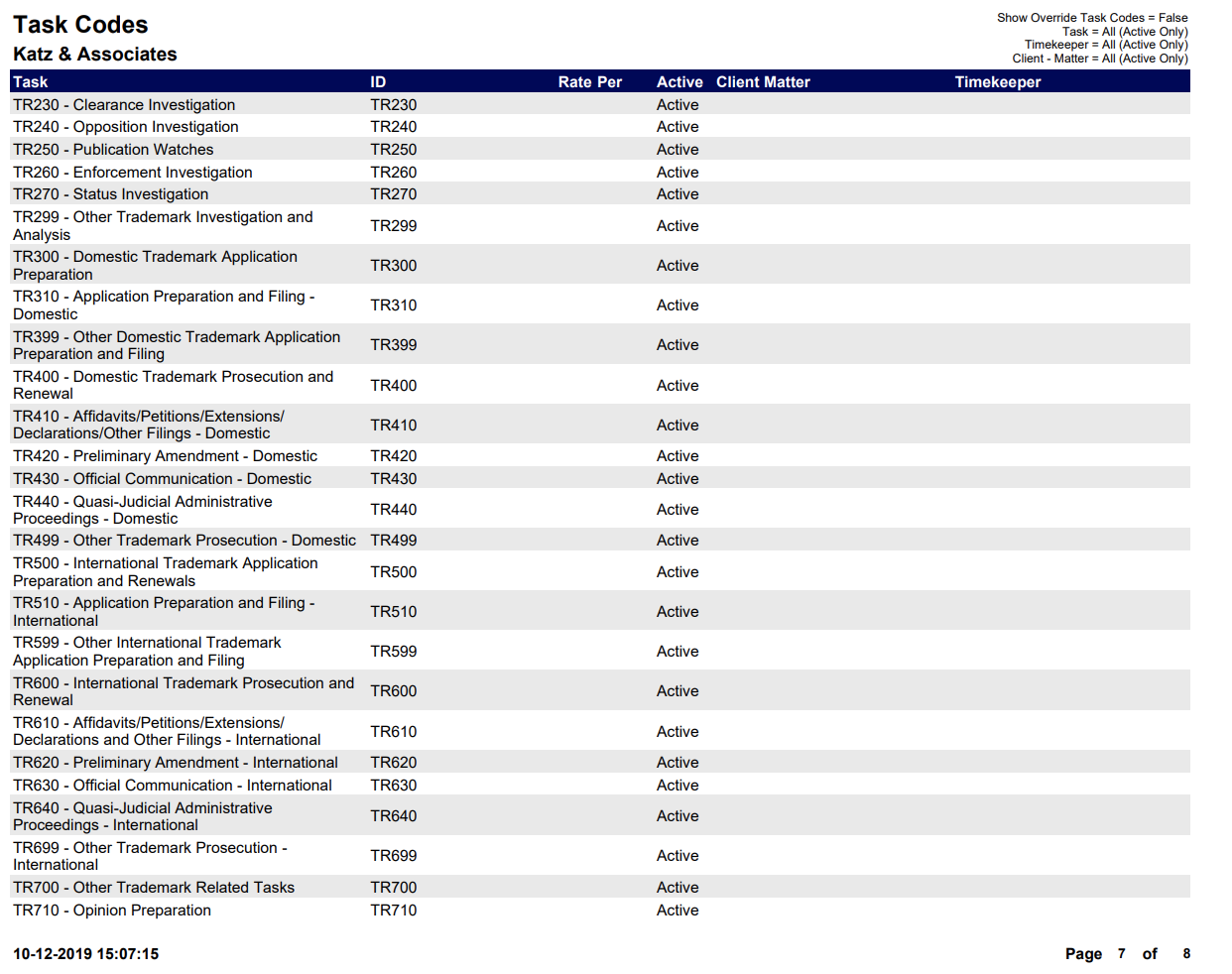
A list of categories for Time Entries.
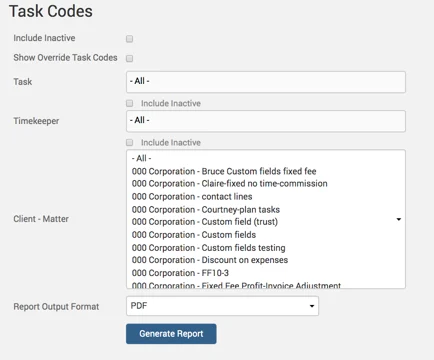
Example Task Codes report with default parameters selected:
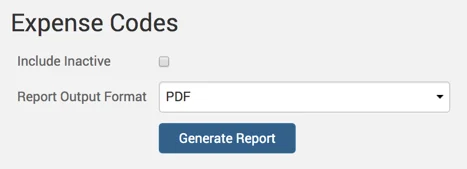
Expense Codes Report
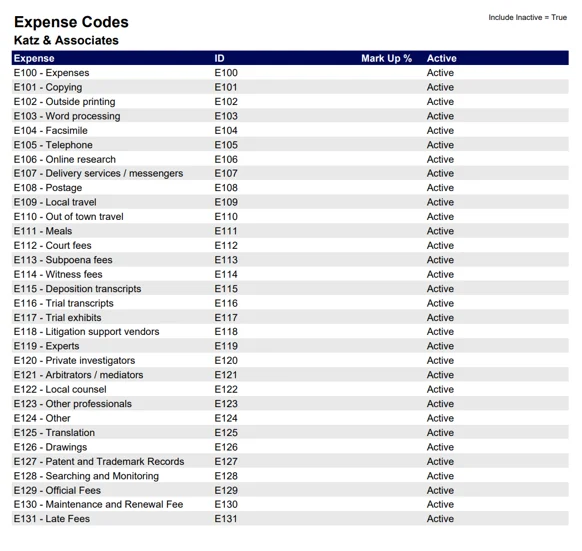
This shows categories for Expense Entries.
Example Expense Codes report with default parameters selected:
Professionals and Rates Report
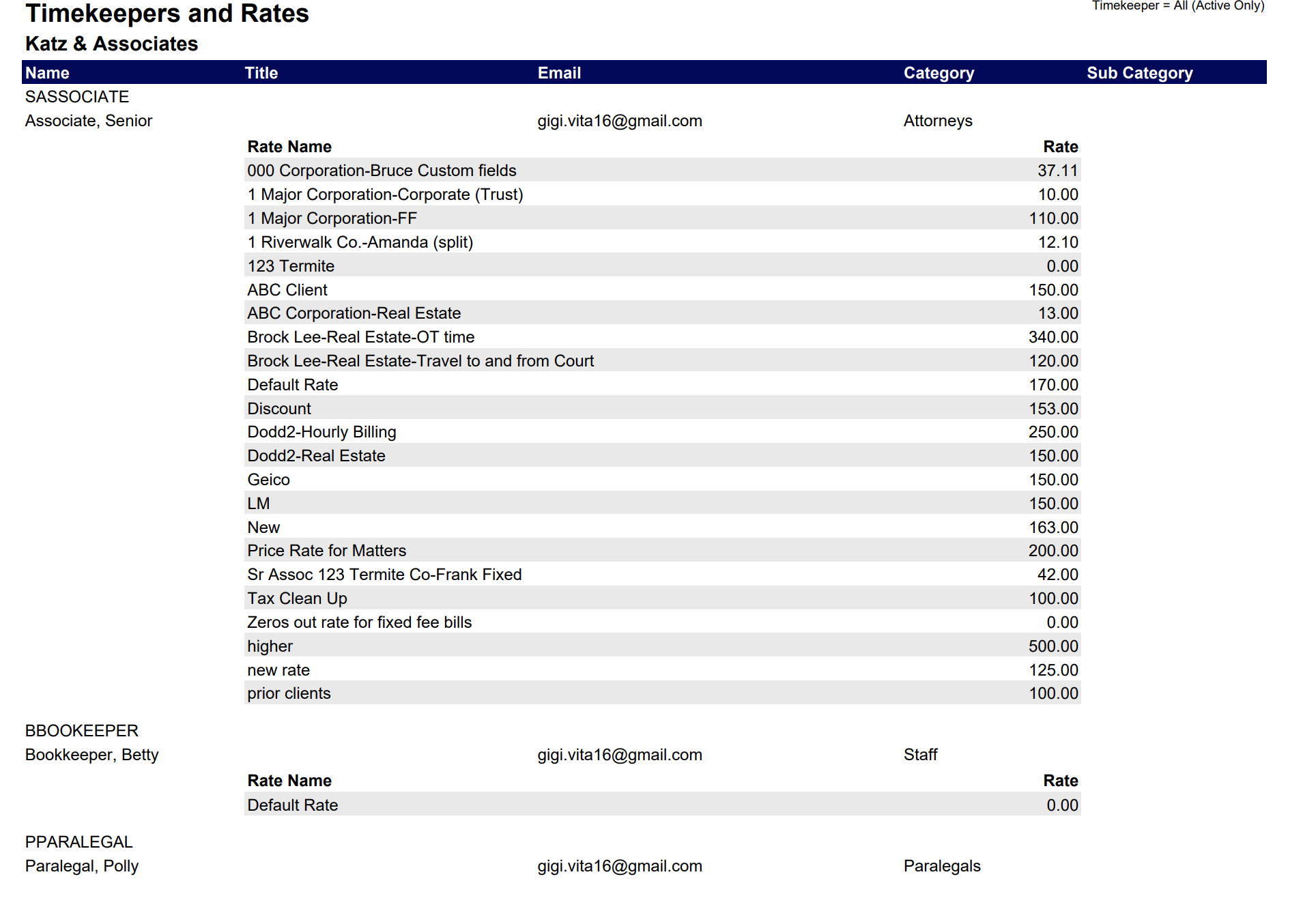
List of Professionals and their Hourly Rates
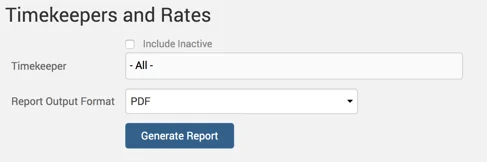
Example Professionals and Rates report with default parameters selected:
Clients and Matters Report
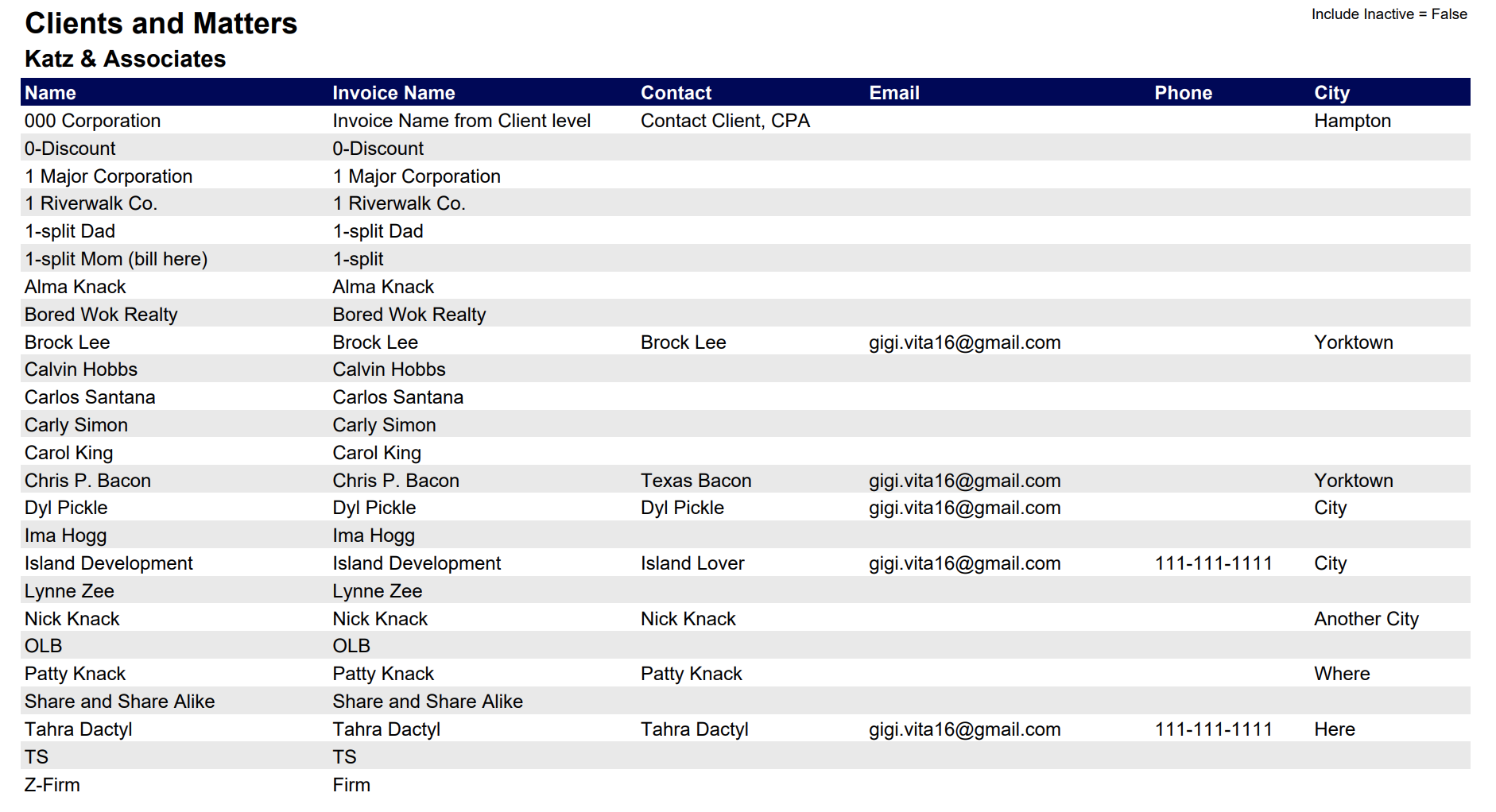
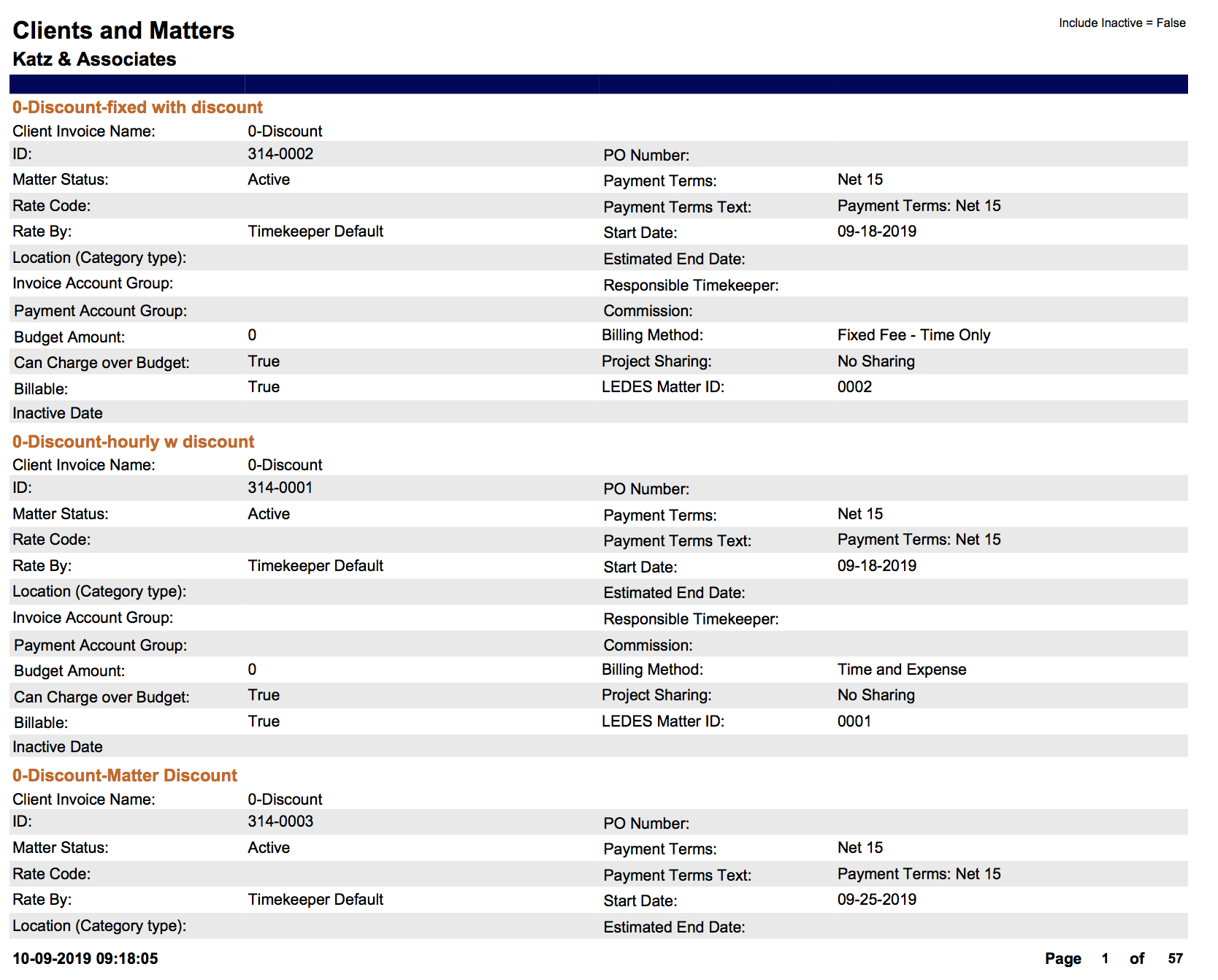
Details of Client contact and Client billing settings including Matter details.
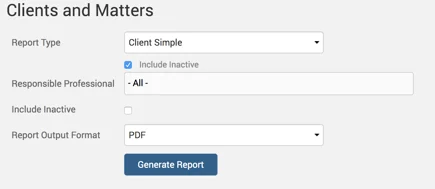
Example of ‘Client Simple’ Report Type:
Example of ‘Client Detail’ Report Type:
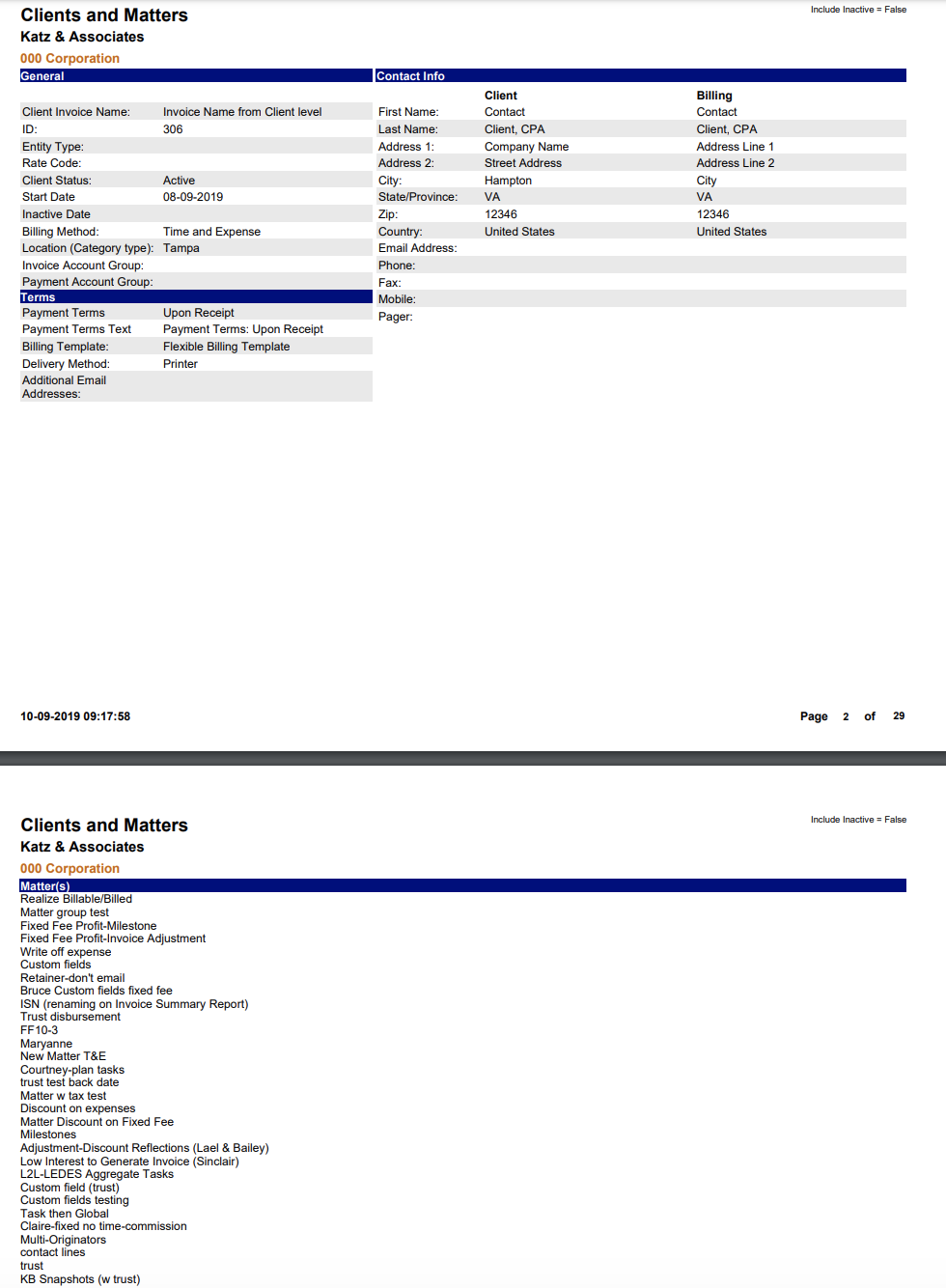
Example of ‘ Client Matter’ Report Type:
Tax Listing Report
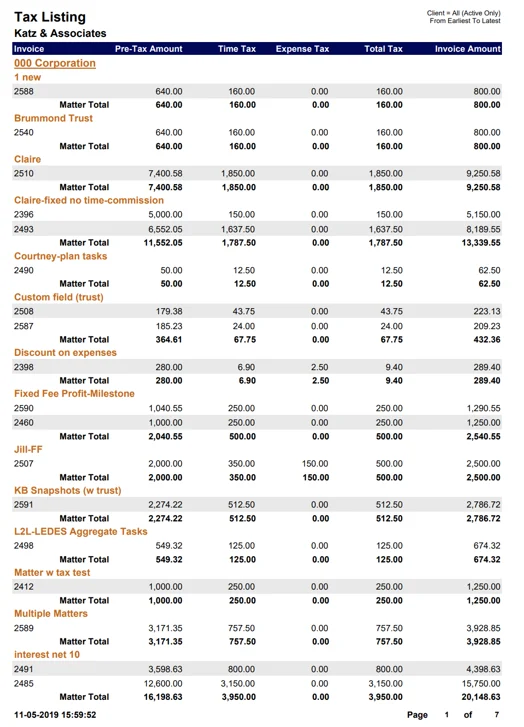
Report shows Tax listing by Client.
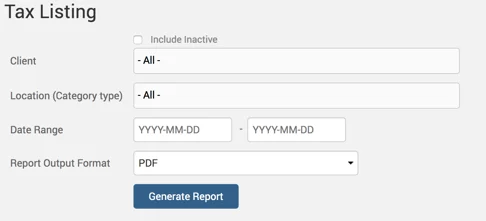
Example Tax Listing report with default parameters selected:
Abbreviations Report
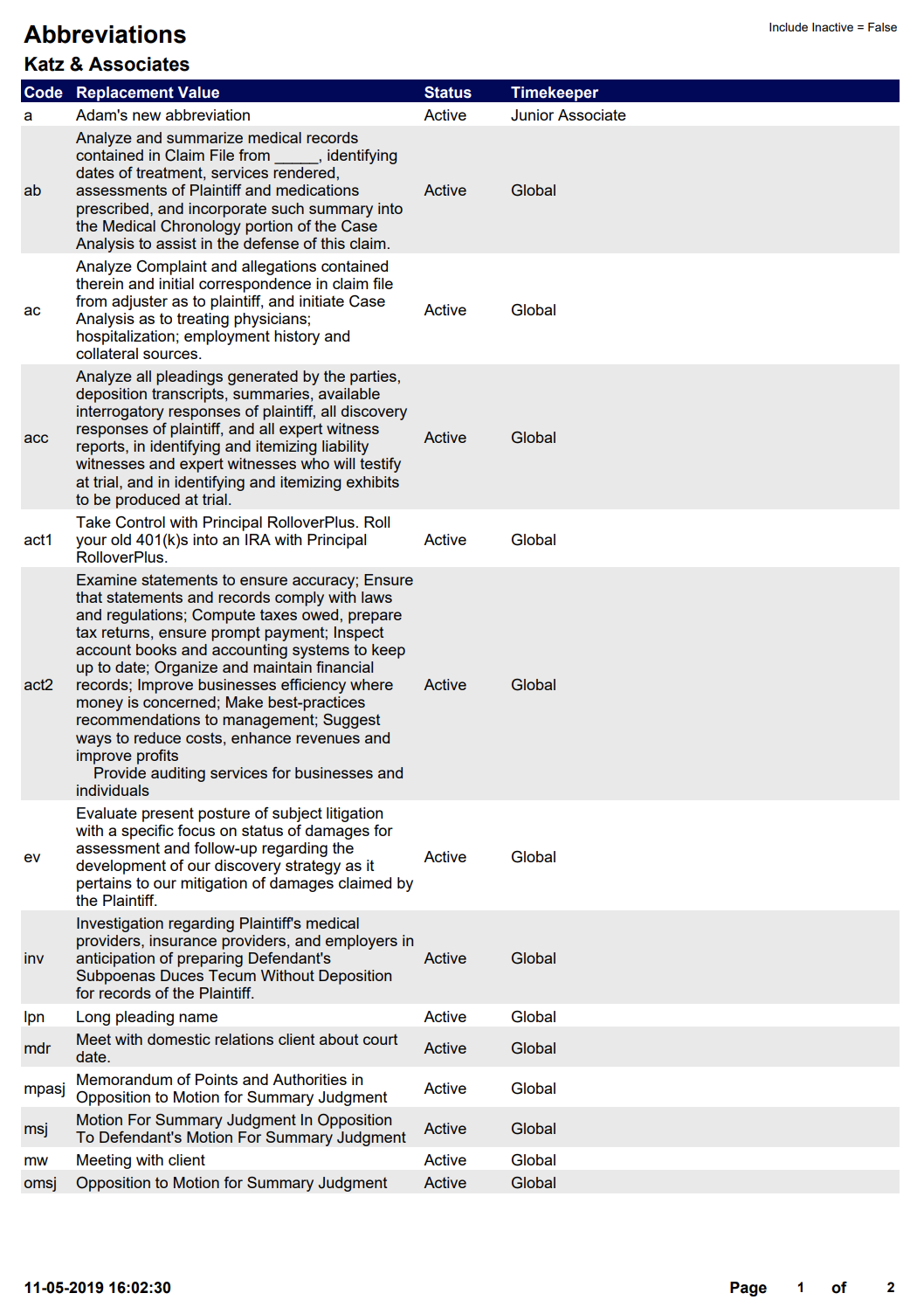
Report shows a list of narratives with Abbreviations.
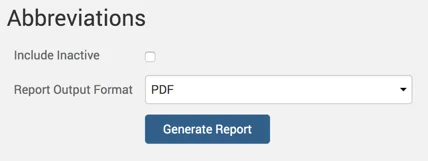
Example Abbreviations report with default parameters selected:
Related Parties Report
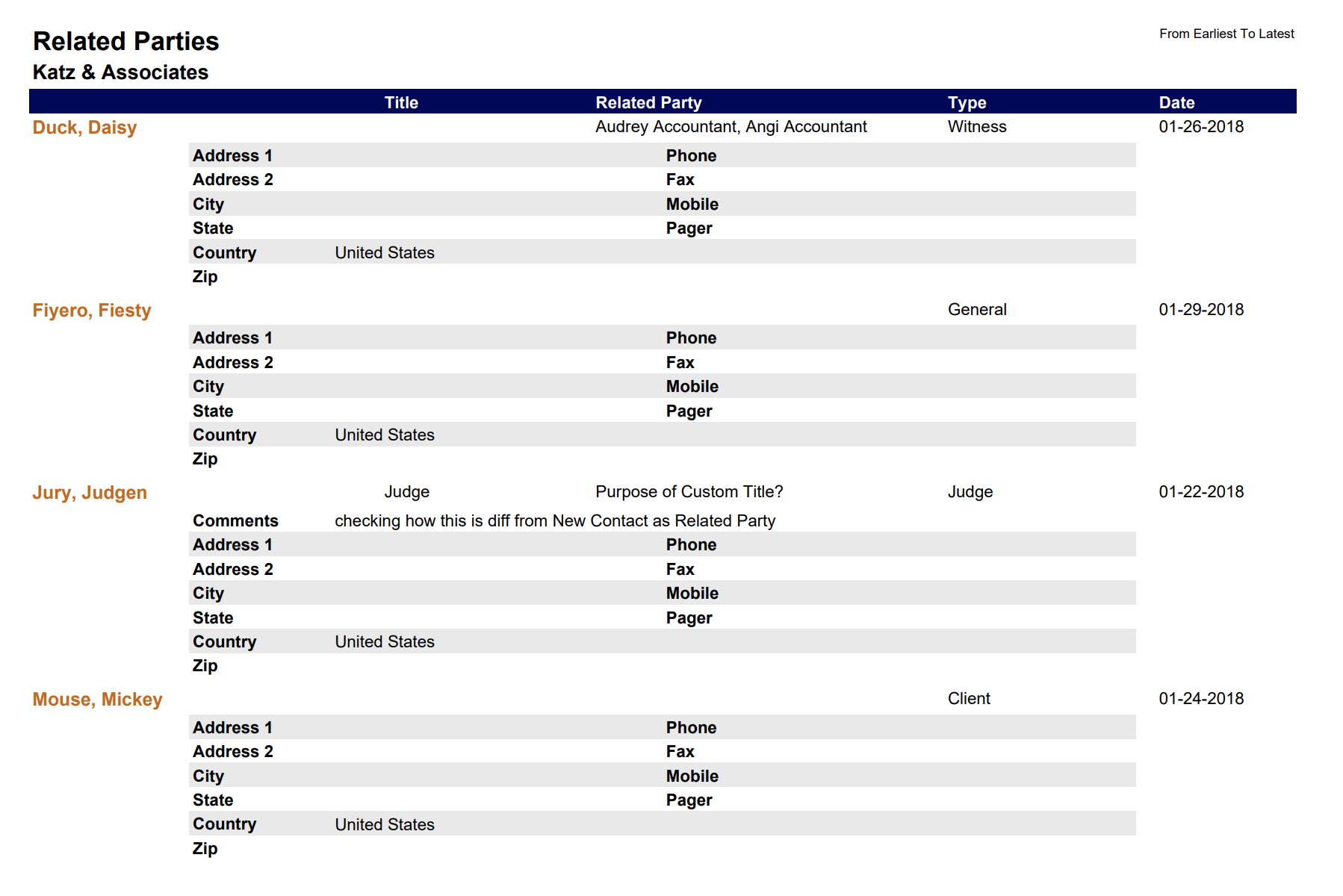
List of people related to a Client or Matter.
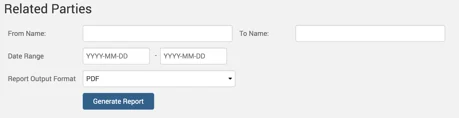
Example Related Parties report with default parameters selected:
Relationships Report
Relationships of people related to a Client or a Matter.
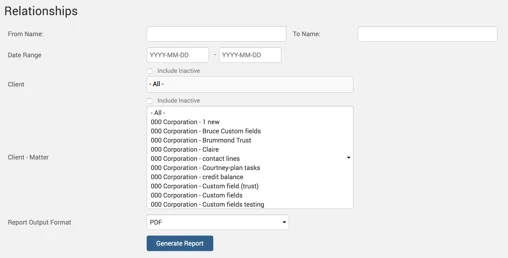
Example Relationships report with default parameters selected:
