Managing Matters Reports
Run the Resource Allocation report for matter plan action items by resource or matter, and the Budget report for budgeted versus actual hours and fees.
The Client label may be displayed as Client, Customer, or Respondent depending on your TimeSolv Configuration in Clients>Settings>General. This can change path and report terminology.
The Matter label may be displayed as Case, Engagement, Job, Matter, or Project depending on your TimeSolv Configuration in Clients>Settings>General. This can change path and report terminology.
Resource Allocation Report
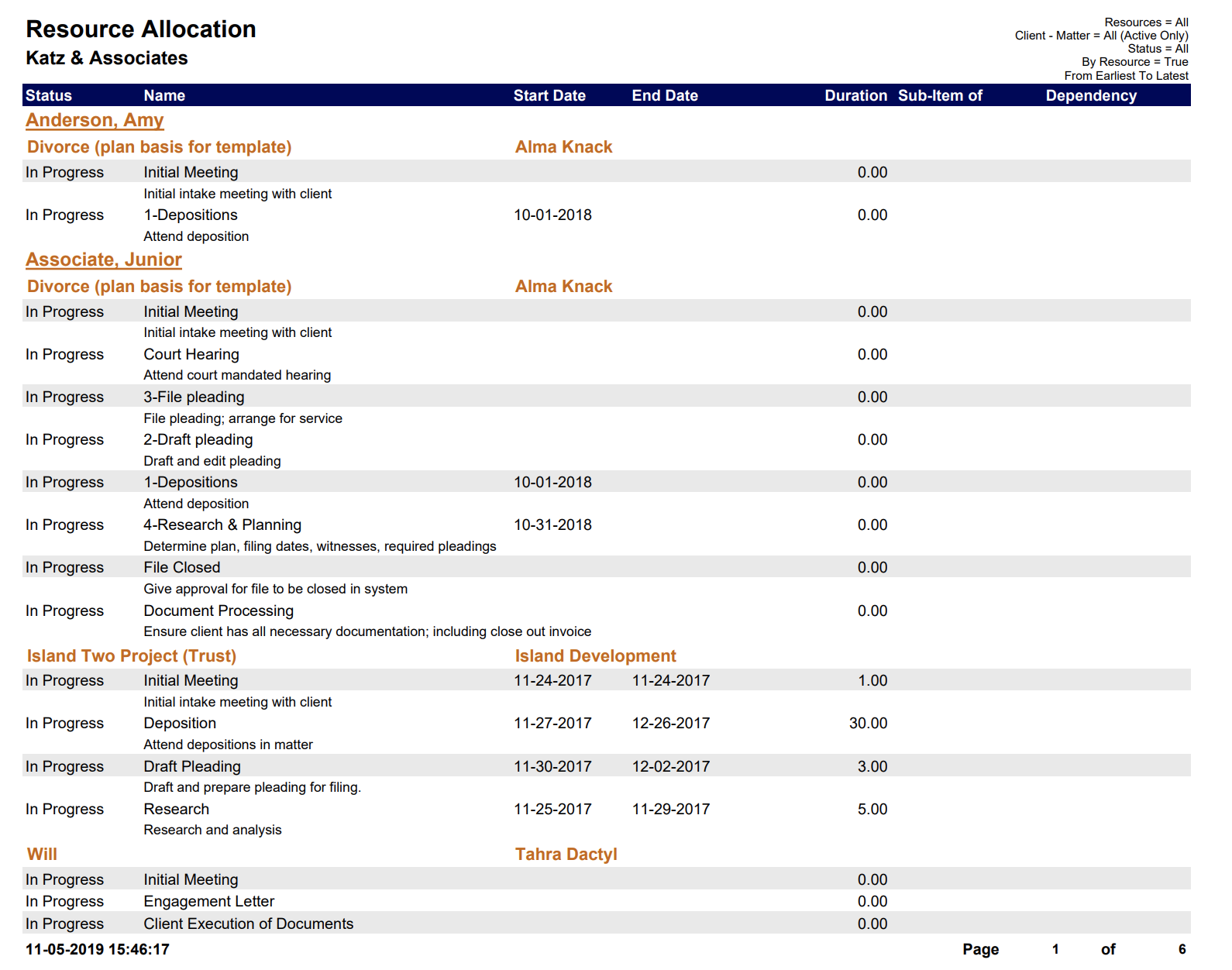
List of Matter plan action items assigned to resources grouped by resource or by Matter.
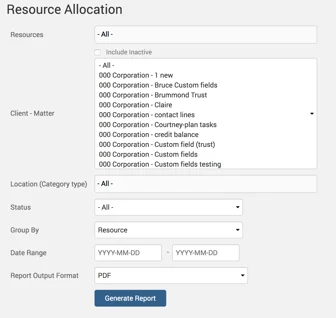
An example of a Resource Allocation report with default parameters selected:
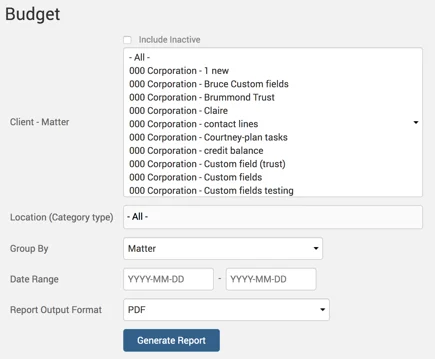
Budget Report
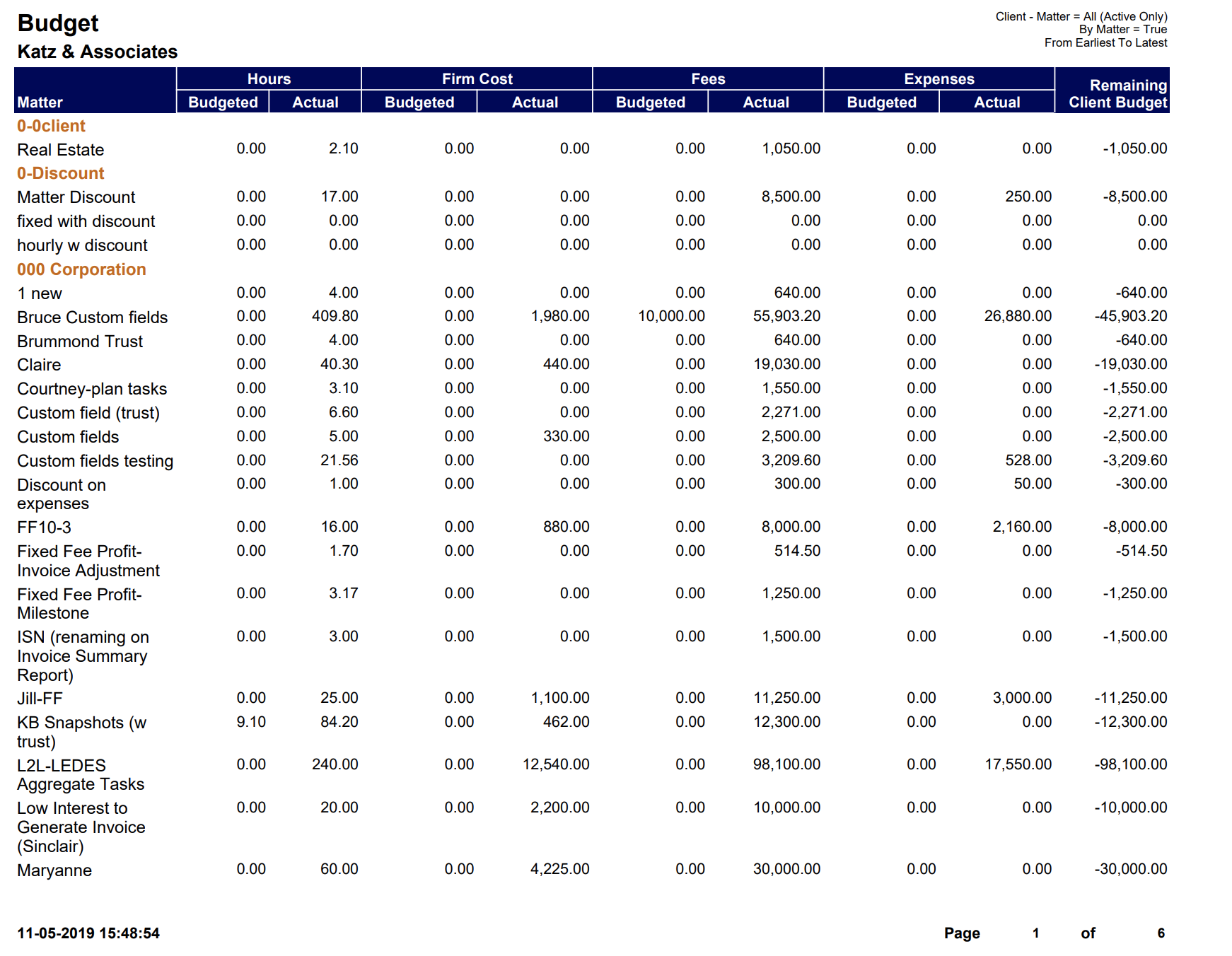
Report shows details of budgeted versus actual hours and fees in a Matter.
Example of Budget report with default parameters selected: