Invoices, Payments, & Trust Reports
Run Invoice Summary with Payment Allocations, Aged Invoices, Invoices and WIP Aging, Cash Receipts, Payment History, and Trust Banking reports.
The Client label may be displayed as Client, Customer, or Respondent depending on your TimeSolv Configuration in Clients>Settings>General. This can change path and report terminology.
The Invoice label may be displayed as Bill or Invoice depending on your TimeSolv Configuration in Invoices>Settings>General. This can change path and report terminology.
The Professional label may be displayed as Associate, Consultant, Employee, Fee Earner, Professional, Resource, Staff Member, and Timekeeper depending on your TimeSolv Configuration in Account>Settings>General. This can change path and report terminology.
Invoice Summary with Payment Allocations report
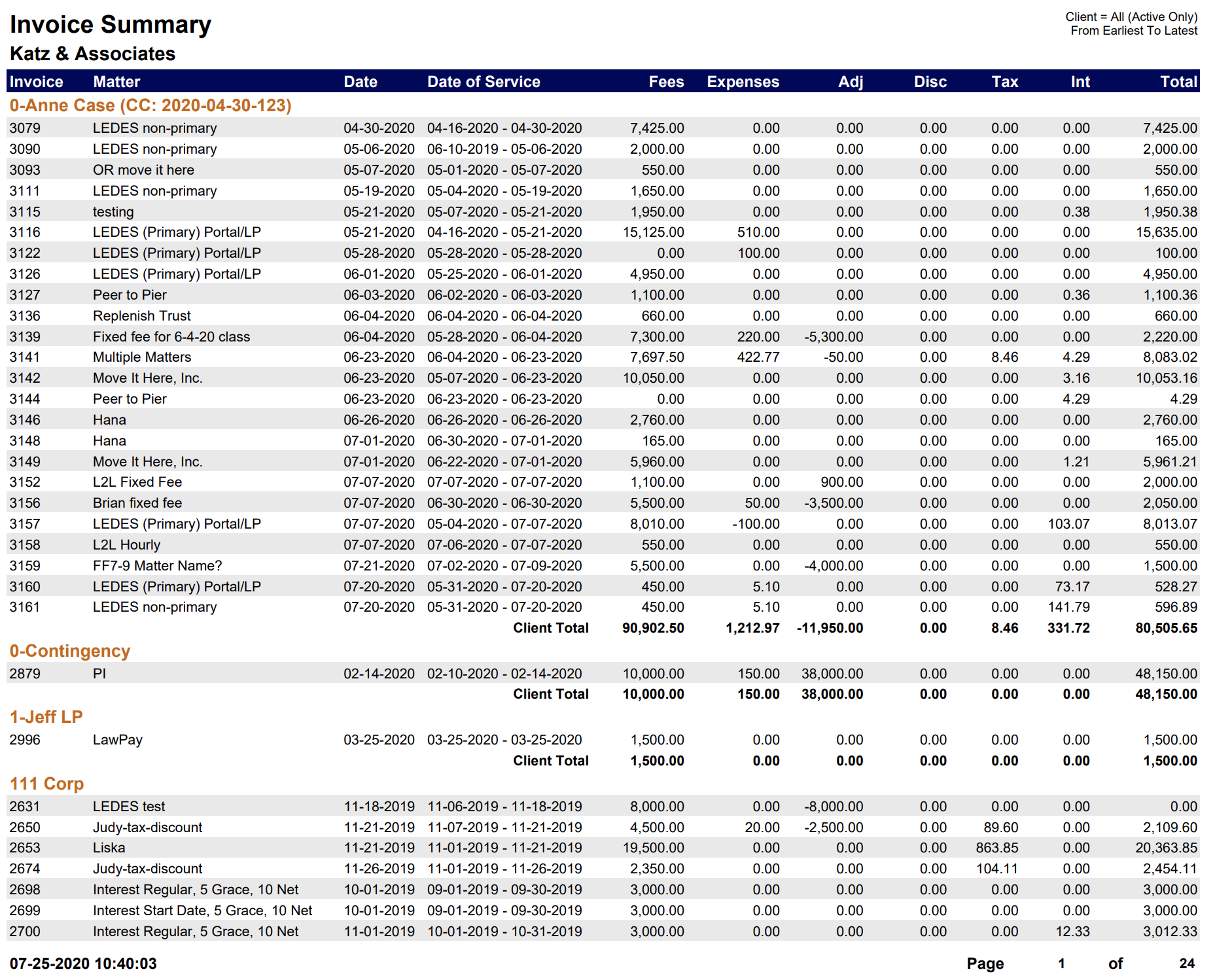
A summary of invoices with payment allocations grouped by the client.
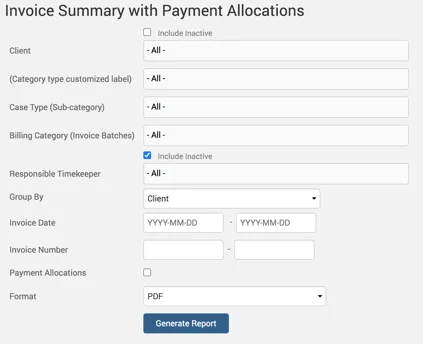
Example of Invoice Summary with Payment Allocations report with default parameters selected:
Aged Invoices Report
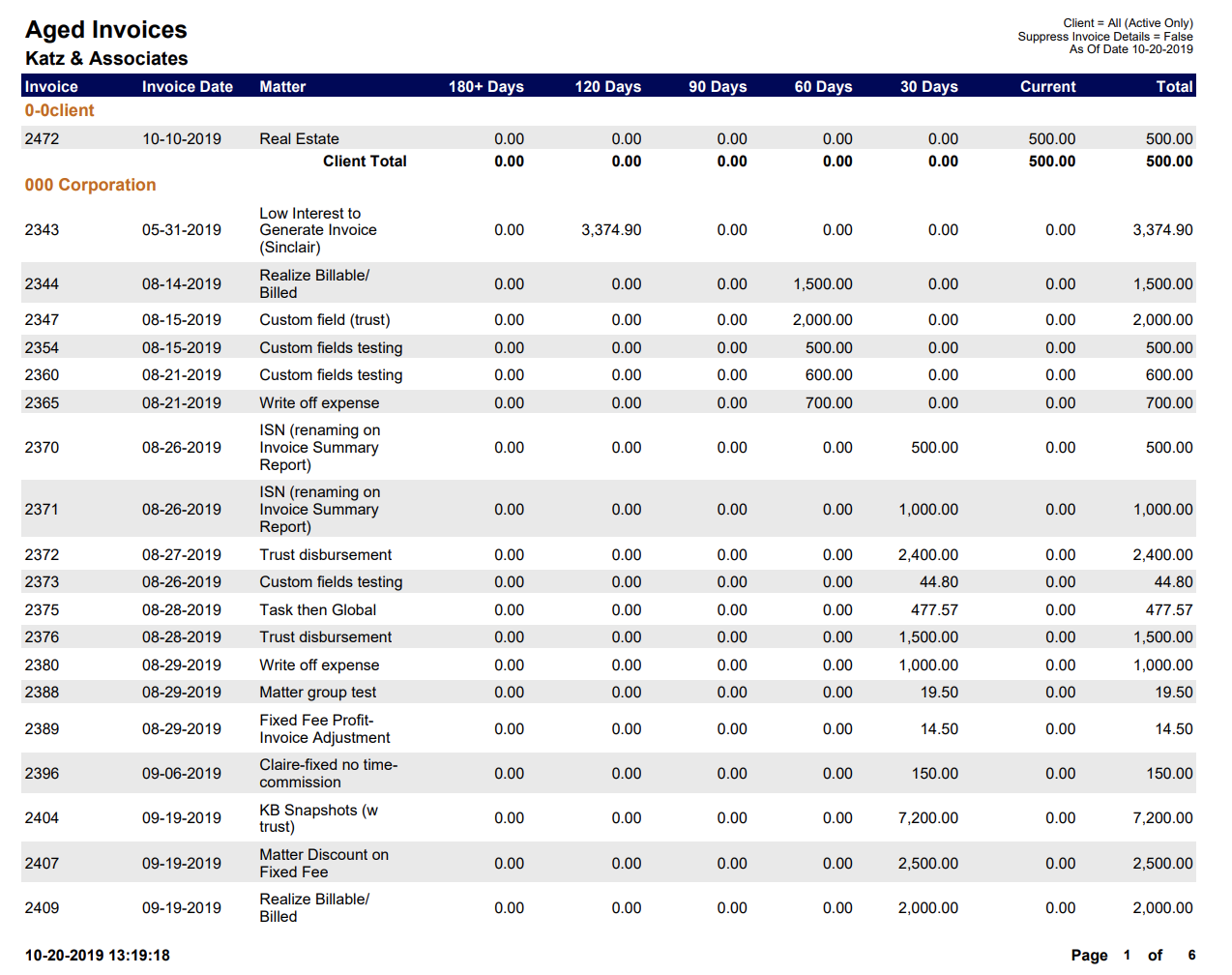
A list of aged invoices by Client.
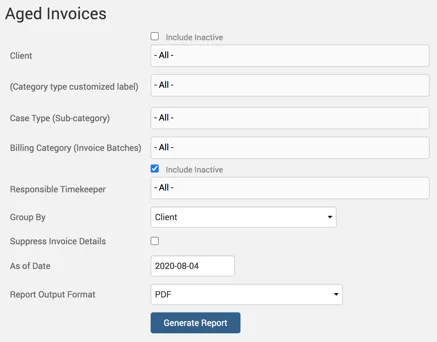
Example of Aged Invoices report with default parameters selected:
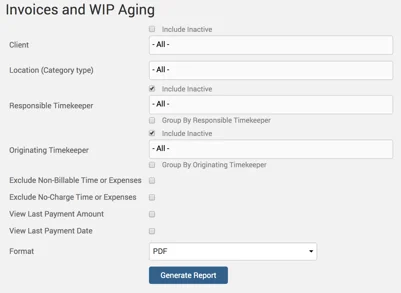
Invoices and WIP Aging Report
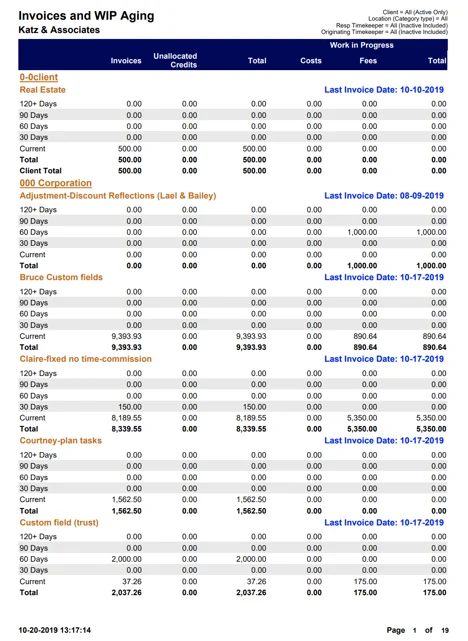
Shows the total of unpaid invoices and work in progress, used to determine the total amount owed by a client.
Example of Invoices and WIP Aging report with default parameters selected:
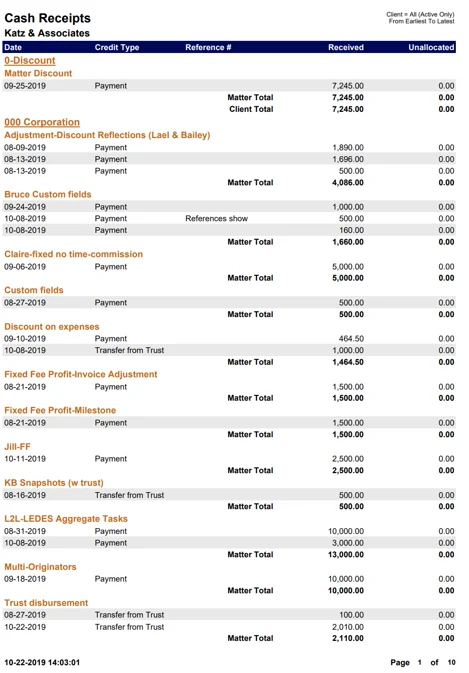
Cash Receipts Report
A list of credits and payments grouped by Client.
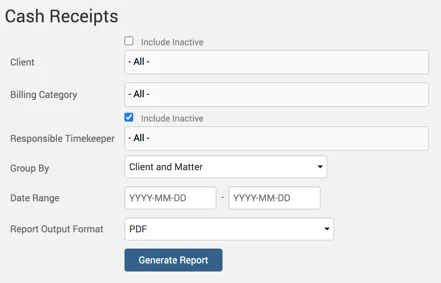
An example of a Cash Receipts report generated with default parameters selected:
Payment History Report
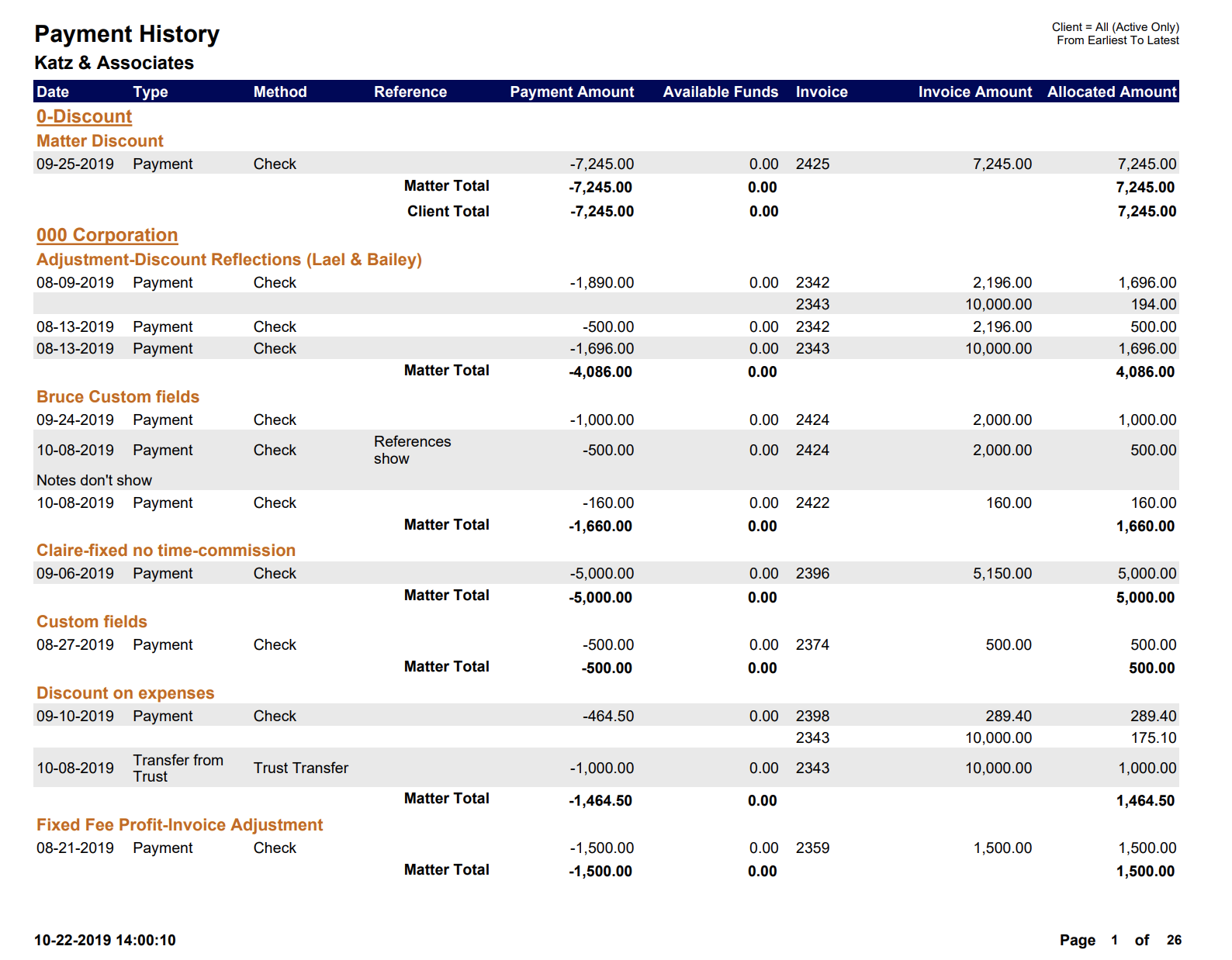
A list of payment allocations grouped by Client.
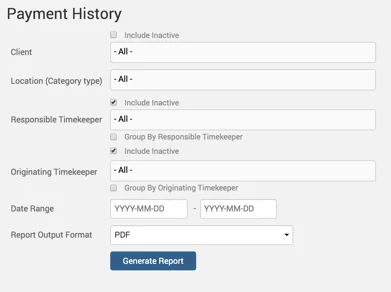
An example of a Payment History report with default parameters selected:
Trust Banking Report
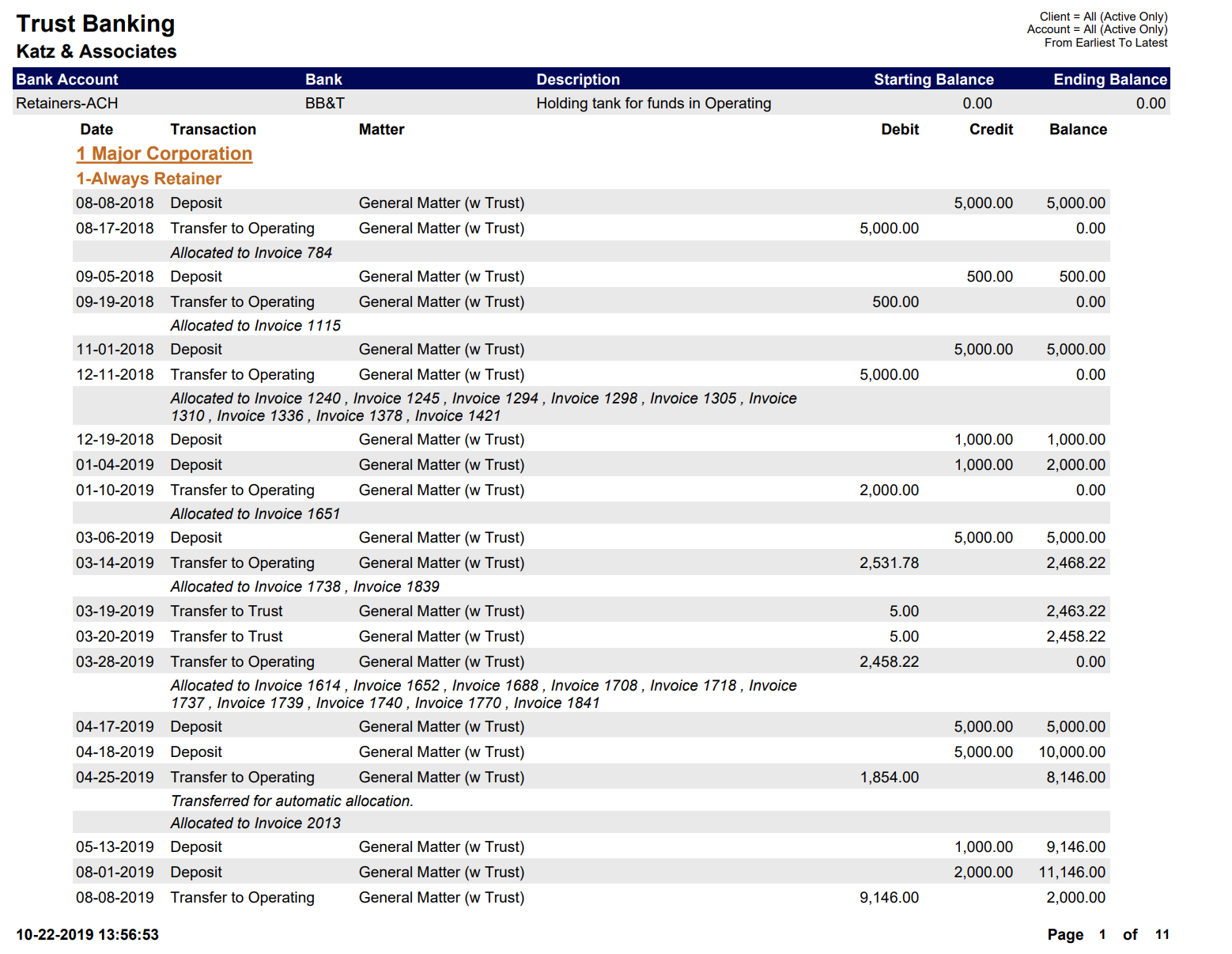
Shows Trust transactions and Trust balances by Client and Matter.
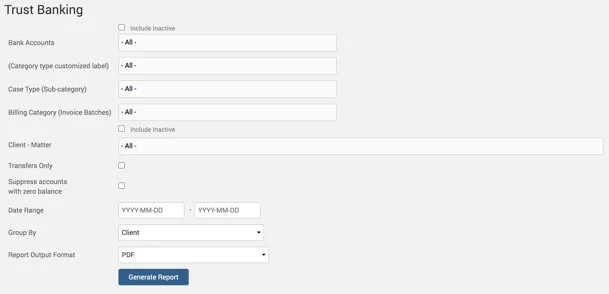
Example of a Trust Banking report generated with default parameters selected: