Firm Performance
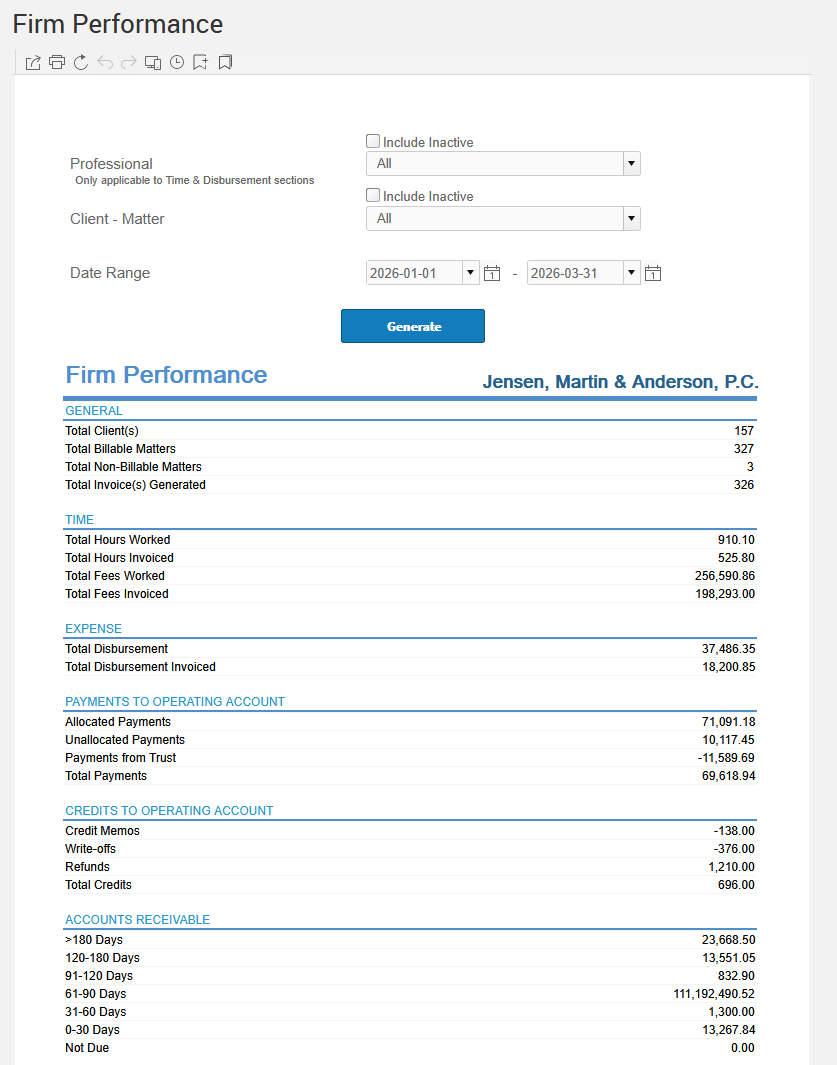
Get an overview of the firm's clients, time, expenses, payments, credits, and accounts receivable for a specified time frame.
The Client label may be displayed as Client, Customer, or Respondent depending on your TimeSolv Configuration in Clients>Settings>General. This can change path and report terminology.
The Matter label may be displayed as Case, Engagement, Job, Matter, or Project depending on your TimeSolv Configuration in Clients>Settings>General. This can change path and report terminology.
Generate an overview of the firm's clients, time, expenses, payments, credits, and accounts receivable for a specified time frame.
To access the Report, select Reports>Performance>Firm Performance.
The toggle button should be turned on in the last column; otherwise, the link will open the standard report.