Professionals and Rates
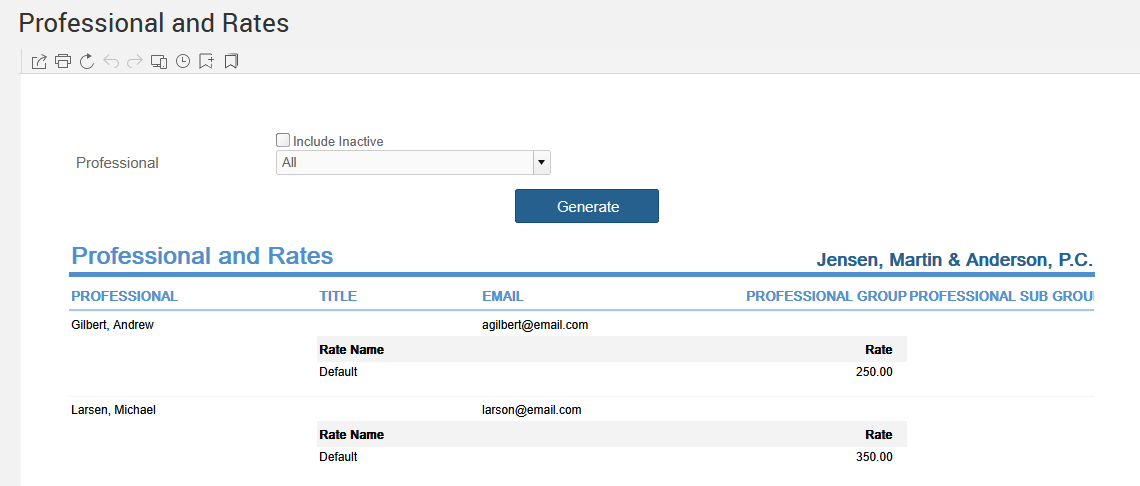
Generate a list of your firm's professionals with their titles, email addresses, and rates, from Reports > Managing the Firm > Professionals and Rates.
The Professional label may be displayed as Associate, Consultant, Employee, Fee Earner, Professional, Resource, Staff Member, and Timekeeper depending on your TimeSolv Configuration in Account>Settings>General. This can change path and report terminology.
Generate a list of professionals that include their titles, emails, and rates.
To access the Report, select Reports>Managing the Firm>Professionals and Rates.
The toggle button should be turned on in the last column; otherwise, the link will open the standard report.