Expense Codes
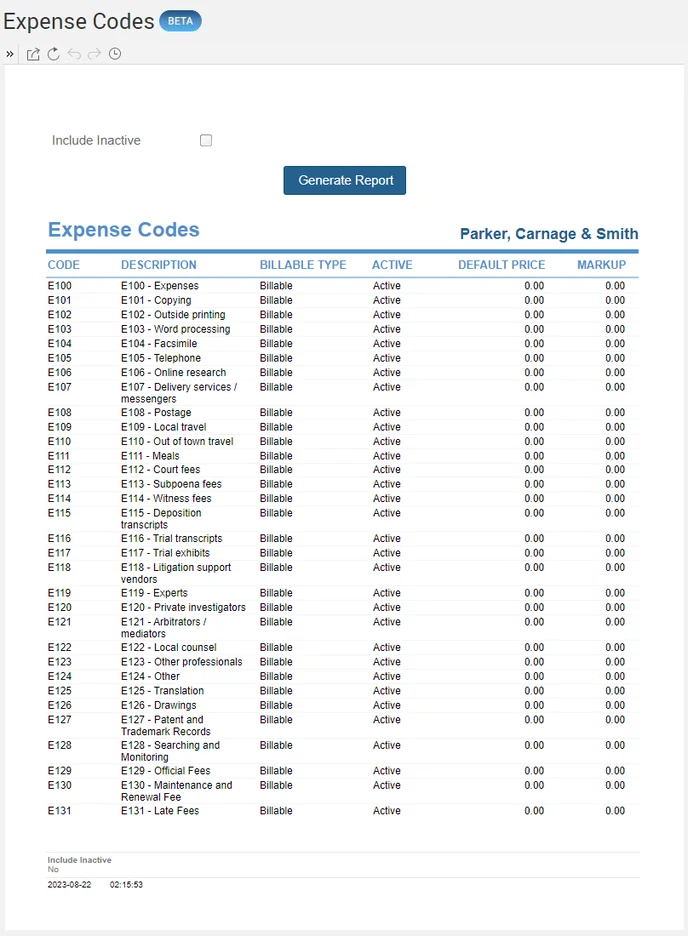
Generate a list of available expense codes with each code's billable type, price, and markup, from Reports > Managing the Firm > Expense Codes.
Generate a list of available Expense Codes with the Billable Type, Price, and Markup.
To set up new Expense Codes, click here.
To access the Report, select Reports>Managing the Firm>Expense Codes. The toggle button should be turned on in the last column; otherwise, the link will open the standard report.