Ledger Entries
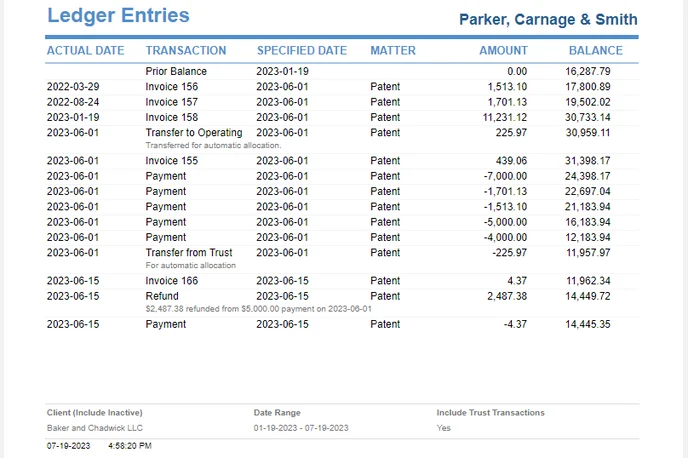
List payments and invoices for a client, starting with debits, the previous balance, and invoices, and choose whether to include trust transactions.
The Client label may be displayed as Client, Customer, or Respondent depending on your TimeSolv Configuration in Clients>Settings>General. This can change path and report terminology.
Generates a list of Payments and Invoices for a Client. The checkbox filters the list to include or exclude Trust transactions.
Debits are listed first, with the Client’s Previous Balance, Invoices, and then the Trust Transactions.
To access the Ledger Entries Report, from the main menu, select Reports>Accounting>Ledger Entries. The toggle button should be turned on in the last column; otherwise, the link will open the standard report.
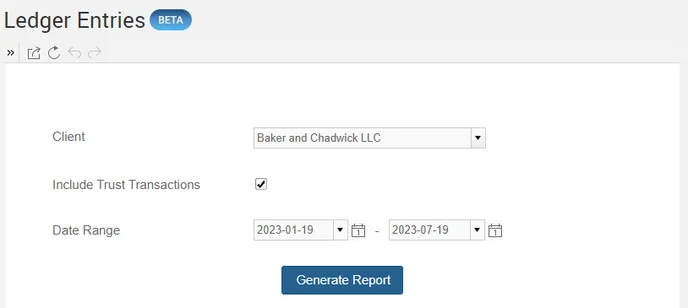
Sample Report with default values: