Billing Rate Dashboard
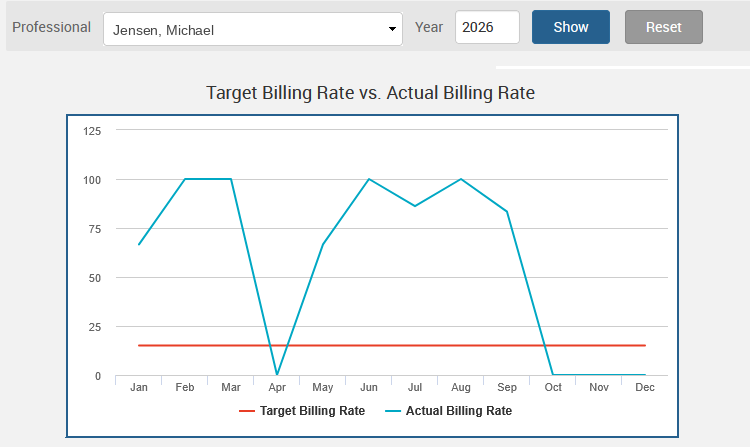
Chart target and actual billing rates for a selected professional and year on the Billing Rate tab of the firm dashboard.
To view the Firm Amount Dashboard, navigate to Dashboards>Dashboards>Billing Ratetab.
-
The Professional field allows you to specify a professional at the firm.
-
The Year field allows you to filter data based on the selected year.
A line graph is shown, presenting target and actual billing rates for the specified professional and year.
Note: If the target is not shown on this dashboard, the Target Billing Rate must be updated for the professional via Dashboards>Settings>Targets and Permissions.